Best Branding Tools for Startups: What to Use at Each Stage
The best branding tools for startups, grouped by job and stage: naming, identity, everyday assets and consistency, plus what to skip for now.
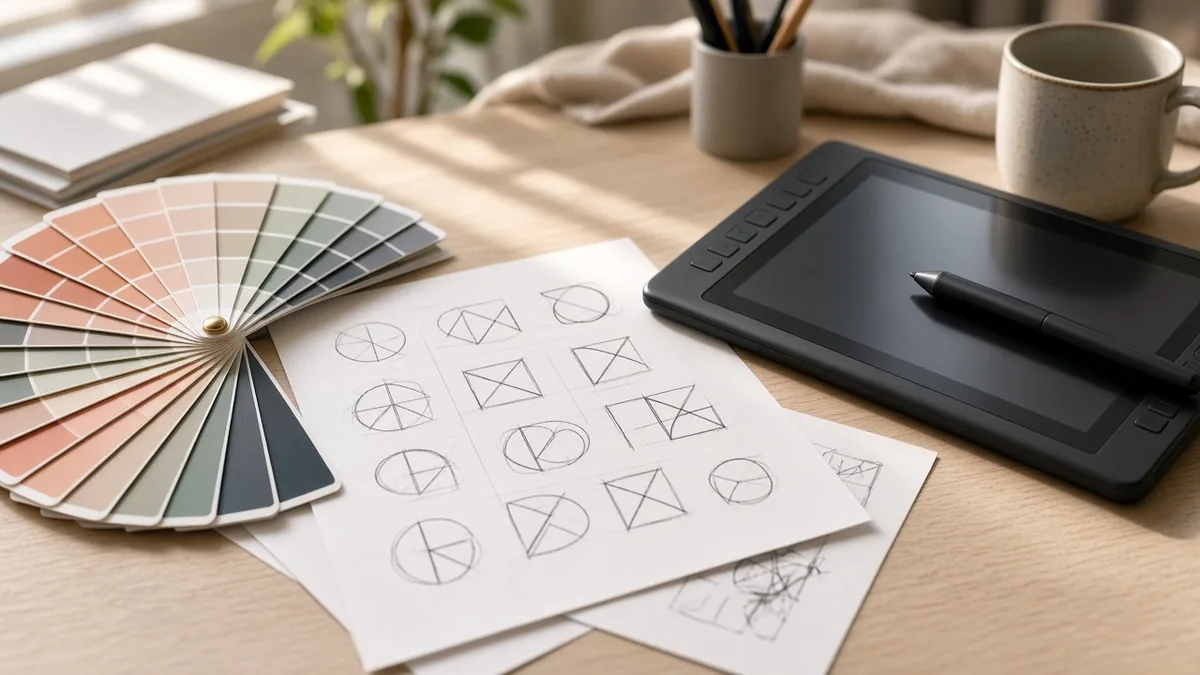
The best branding tools for startups are Namelix for naming, Looka or Figma for building the identity, Canva or Adobe Express for everyday assets, and Marq or Frontify once other people start editing your templates. Most early teams need two or three of these, not all of them.
I’ve watched founders spend a month picking fonts before they had ten customers. The tools below are cheap and good. The expensive mistake is buying the wrong one for your stage.
Key takeaways
How I picked these tools
Every tool here had to pass four tests. A startup can start using it this week without a sales call. It does one branding job clearly better than the alternatives. A non-designer can get value from it, or it’s the tool your designer will insist on anyway. And it still makes sense when you’re five people, not fifty.
I’ve left out prices on purpose. This category reprices every few months, so check each vendor’s pricing page on the day you buy.
The best branding tools for startups, grouped by job
Naming: Namelix
Namelix is a free AI name generator from Brandmark. You describe the business, pick a style (invented words, compounds, real words) and it returns short, brandable options with a rough logo preview for each.
Who it suits: founders who still have a working title instead of a name.
Drawback: it doesn’t check trademarks in any depth. Run your shortlist through the USPTO trademark search (or the UK IPO or India’s IP office if that’s your market) before you buy a domain.
Identity: Looka or Figma
Looka takes a company name and a short brief and generates a logo plus a matching palette, type pairing and starter assets like business cards and social headers. It’s the fastest route from nothing to a complete-looking kit.
Who it suits: a solo founder with a launch date and no design help.
Drawback: generated marks lean on familiar visual conventions, so treat the output as version one.
Figma is where professional designers build an identity as a system: vector logos, components and shared styles, so one change updates everywhere. Reviewers can comment without needing a full seat.
Who it suits: any team with a designer, freelancer or agency involved.
Drawback: a real learning curve. If nobody on the team designs, it’s overkill.
Everyday assets: Canva or Adobe Express
Canva is the asset factory for teams without a designer. Its Brand Kit stores your logo, colors and fonts and applies them to decks, social posts and one-pagers, so non-designers stay roughly on-brand.
Who it suits: almost every early team.
Drawback: template-driven work looks template-driven. Your posts can end up resembling a thousand other startups’.
Adobe Express covers similar ground with a stronger lean toward social and short video, Adobe’s stock library and Firefly generative AI, which Adobe positions as safe for commercial use.
Who it suits: teams whose output is mostly social and video.
Drawback: weaker for long, multi-page documents like pitch decks.
Consistency: Marq, then Frontify
Marq lets a designer build a template, lock the parts that must not change (logo, colors, layout) and leave fields open for sales or HR to fill in. It’s the cheapest fix for “someone stretched our logo in a sales deck again.”
Who it suits: startups where non-designers make customer-facing material.
Drawback: a smaller template library than Canva, and little point if only your designer creates assets.
Frontify is a full brand portal: guidelines, approved logos, asset library and usage tracking in one place for staff, agencies and freelancers. It’s the most capable tool on this list.
Who it suits: scaleups juggling several agencies.
Drawback: pricing is quote-based and it’s built for a stage most readers haven’t reached.
Voice: a one-page doc before any tool
Tools like Jasper can store a “brand voice” and apply it to AI-written copy. Before you pay for one, write a single page: who you serve, three words for how you sound, five phrases you’d never use. Paste it into whatever AI writing tool you already have. That covers most seed-stage teams.
Which branding tools does a startup need at each stage?
This is the stack I’d set up, by stage. It assumes you’re selling to businesses or consumers online and don’t have an in-house designer until roughly Series A.
| Stage | Use now | Skip for now | Signal to upgrade |
|---|---|---|---|
| Idea / pre-seed | Namelix, trademark search, Looka or a free Canva Brand Kit | Figma seats, Marq, Frontify, voice tools | You have paying users and a positioning sentence you’d defend |
| Seed (3 to 15 people) | Figma (with a freelance designer), Canva or Adobe Express for the team | Frontify | Sales or marketing hires start editing decks without design review |
| Series A | Figma as source of truth, Marq for locked templates | Nothing, but audit unused seats | Two or more outside agencies use your logo files |
| Scaleup | Frontify or a similar brand portal | Overlapping asset tools | You can’t say which version of the logo is current |
How much should a startup spend on branding?
Less than you think before product-market fit, more than you think after. Tools are the cheapest line in the budget. People are the expensive one.
For scale: the U.S. Bureau of Labor Statistics puts the median annual wage for graphic designers at $61,300 (May 2024). Even a stack of three paid design subscriptions is small next to one salary. So the real question isn’t which tool is cheapest. It’s when you’ve earned the right to pay a person.
My rule of thumb: stay on tools and a short freelance project until your messaging stops changing every month. If you rebrand while you’re still pivoting, you’ll pay for it twice.
Are AI logo makers good enough to skip a designer?
For version one, often yes. Looka and the generators inside Canva and Adobe Express produce competent options fast, and for a pre-revenue company testing positioning, that’s a fair trade.
What they can’t do is judge. They’ll give you fifty logos and no opinion on which fits your buyers, looks too close to a competitor, or will still make sense in three years. Founders with a clear point of view get great results from AI tools. Founders without one get something polished and forgettable.
Common mistakes I see
The first is buying for a problem you don’t have yet. A five-person team doesn’t have a consistency problem, so a brand portal just sits there.
The second is skipping the trademark check. Changing a name after launch means a new domain, new social handles, new decks and an awkward email to customers.
The third is treating the logo as the brand. Your homepage headline and how you describe the product on a sales call shape what people remember far more than your color palette does.
FAQ
What is the best free branding software for a startup?
Canva is the most practical free option for teams without a designer, because its Brand Kit keeps colors and fonts consistent across everything you make. Adobe Express is the better free pick if your output is mostly social posts and short video. Namelix is free for naming. Check current free-plan limits on each vendor’s site before you commit.
Do startups need brand guidelines?
Yes, but not a 40-page PDF. At seed stage, one page is enough: logo usage, two or three colors, fonts, and a few lines on tone of voice. Keep it in Figma or your Canva Brand Kit so people actually see it. Formal brand management software only earns its cost once several people and agencies produce material.
One last thing before you open any of these tools: write down who you serve, what you do and why you’re different, in one sentence. If you can’t, no software on this list will fix it. If you can, the free tiers will get you surprisingly far.


Discussion