Cancelhow. com Explained: Free Step-by-Step Guides to Cancel Almost Anything
Cancelhow. com explained: a free blog of step-by-step guides to cancel subscriptions, memberships, insurance, orders and trials. You do the cancelling yourself.
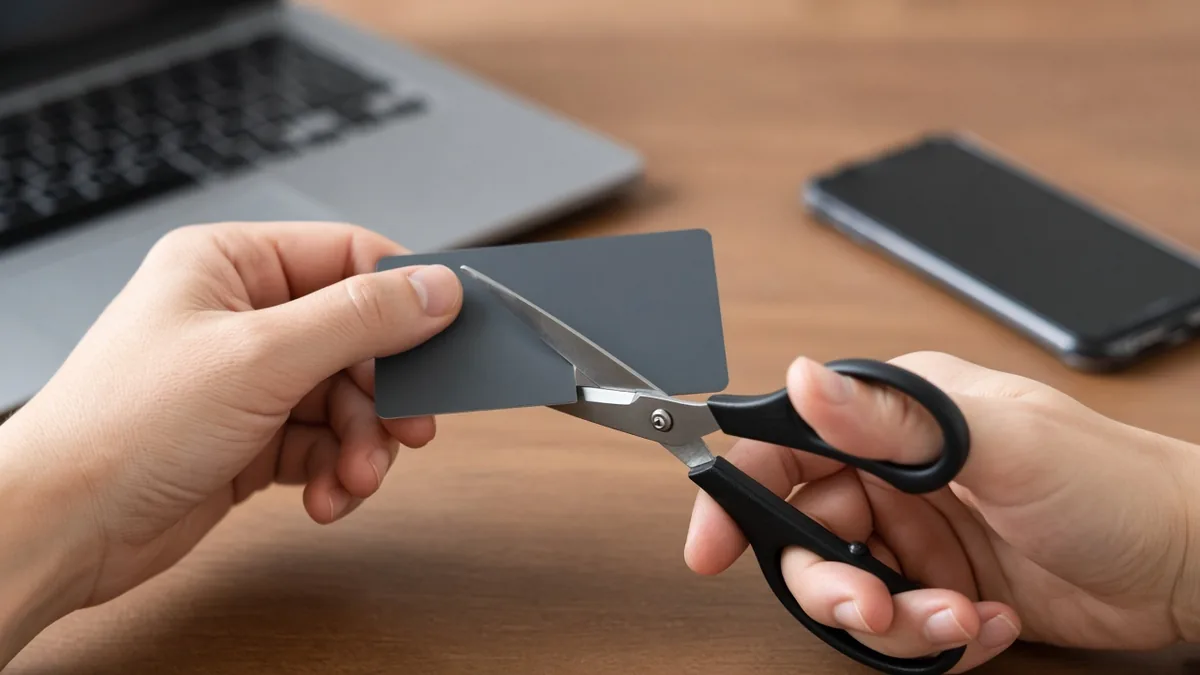
Stuck paying for a trial you forgot about? Cancelhow. com is a free blog that publishes step-by-step guides for cancelling subscriptions, memberships, insurance policies, online orders and free trials. You search for the service, follow the steps, and cancel it yourself; the site doesn’t do the cancelling for you.
It describes itself as a tech-focused blog, and its guides are written for people dealing with auto-renewals and surprise charges.
Four kinds of cancellation it covers
The site splits its guides into four sections.
Subscriptions. Streaming, software and digital content. Guides include GQ magazine, Tenorshare, TuneCore, Baby Face Generator and YouCam Makeup. Coverage also reaches Netflix, Hulu, Disney+, Amazon Prime, HBO Max, Spotify, Apple Music, App Store and Google Play subscriptions, plus HelloFresh, Cash App and Twitter.
Memberships. Gyms, clubs and online services, such as Gold’s Gym, Barry’s, SVtrain, BeNaughty and Emmiol. Planet Fitness, LA Fitness and Anytime Fitness are covered too.
Insurance. Auto, health and life policies, with guides for Humana, Bupa and D&G Appliance insurance, and tips on avoiding penalties.
Orders. For when you’ve ordered by mistake or changed your mind: Vistaprint, eBay (as a seller), Daraz, YesStyle, Shipstreak and Tactical Brotherhood.
It handles most major services, but coverage of niche ones can vary.
What a guide looks like: cancelling Netflix
The steps are short and specific. For Netflix, the process it gives is:
- Log in to your Netflix account.
- Click your profile icon.
- Open Account.
- Scroll to Membership & Billing.
- Click Cancel Membership.
- Confirm the cancellation.
Many guides go beyond the clicks, covering refund terms, penalties and alternative ways to cancel. The Barry’s guide, for example, lists six different methods.
Is cancelhow. com safe to use?
As a reading resource, it asks very little of you. The guides are free, and you don’t need to log in or enter card details to read them.
That said, it’s a blog, not the company you’re cancelling with. You still do the cancelling inside your own account, so check that the steps match what you see in your account. If you get stuck, the site has a contact form.
For your wider rights as a consumer, the Federal Trade Commission is the place to look.
Content that has nothing to do with cancelling
Scroll down the homepage and the focus drifts. The Editor’s Pick section includes posts on a Z-Library domain, TestMu AI testing tools, VPS servers, caravan loans, online slot game technology, wedding traditions and pieces built around phone numbers.
A “We Recommend” block links to betting and casino sites. The domain is also listed on a link marketplace that sells sponsored blog posts on it. Stick to the cancellation guides and you’ll get what the site is named for.
Running a subscription business yourself? The flip side of all this cancelling is retention versus new acquisition.
Tips to cancel faster
A few habits save time and money:
- Check your bank statements each month for renewals you’ve forgotten.
- Cancel a free trial right after signing up if you don’t plan to keep it.
- Keep cancellation confirmation emails as proof.
- Track your subscriptions in one place so nothing renews by surprise.
FAQ
Does cancelhow. com cancel subscriptions for me?
No. It publishes guides that show you how to cancel. You follow the steps inside your own account with the service, whether that’s a streaming app, a gym, an insurer or an online store. The site itself doesn’t need your login details or payment information to show you the instructions.
Does it cover every service?
Not every one. It covers most major subscriptions and memberships, from Netflix and Spotify to Gold’s Gym and Humana, but guides for niche services can be missing. If you can’t find your service, the site has a contact form where you can ask for help with a cancellation question.
For a similar look at another small site and what it really offers, see our take on Webinkey.com.



Discussion